Claude Opus 5 Arrives in Microsoft Foundry
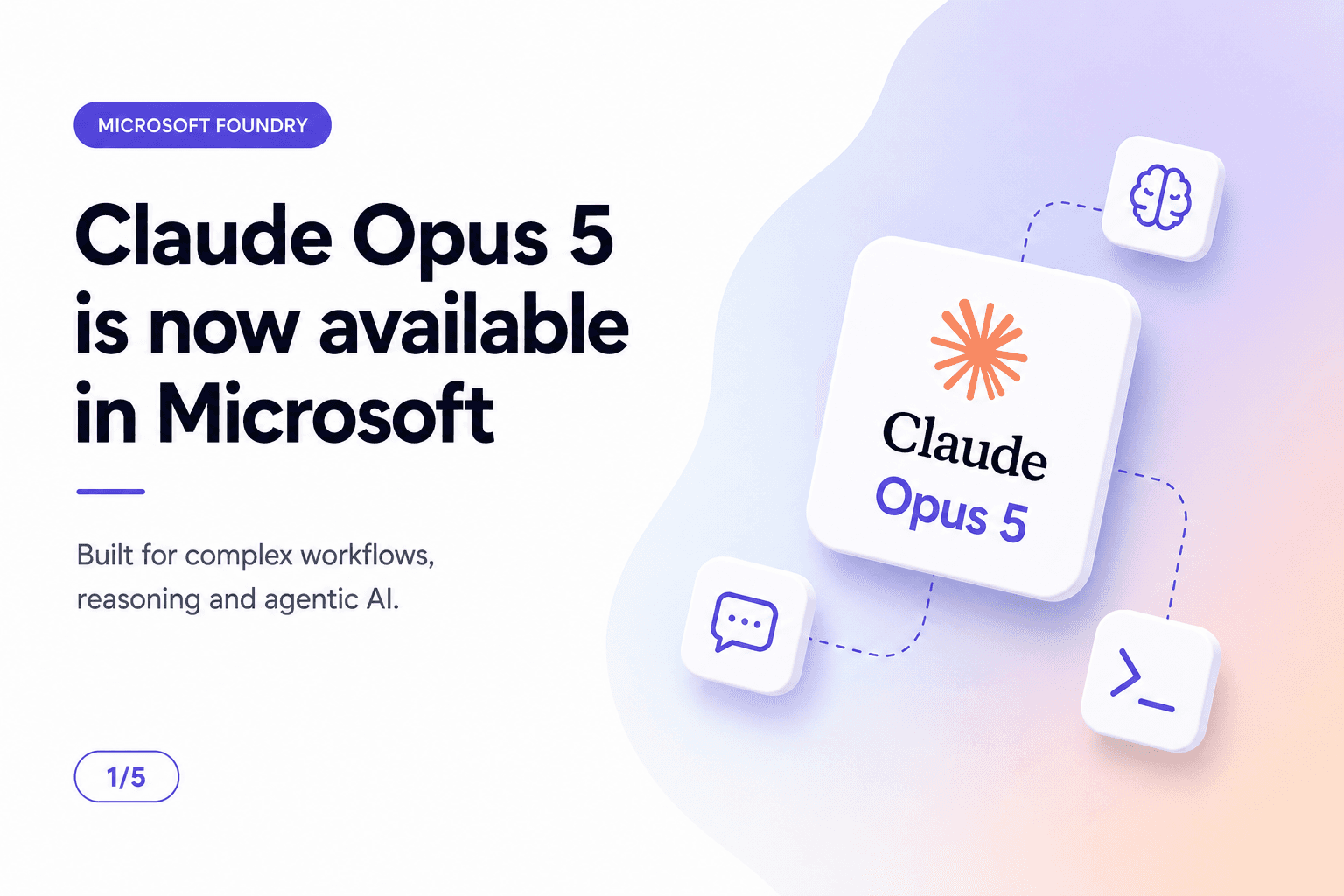
Anthropic's Claude Opus 5 — the first Opus model in the Claude 5 generation — is now available directly in Microsoft Foundry. It joins Claude Sonnet and Haiku as part of the growing Claude model family on Foundry, giving Azure customers a frontier-grade option for the reasoning-heavy, long-running work that lighter models struggle to finish reliably.
Combined with Foundry's enterprise platform — evaluation tools, native security controls, governance, and scalable deployment — teams can build and operate the next generation of AI applications without leaving the Azure ecosystem they already manage identity, networking, and compliance through.
“Claude Opus 5 is designed to work for hours, find paths around obstacles, and navigate codebases like a senior engineer. In Foundry, that reasoning power comes wrapped in the enterprise controls production workloads actually require.”
Built for Complex Workflows
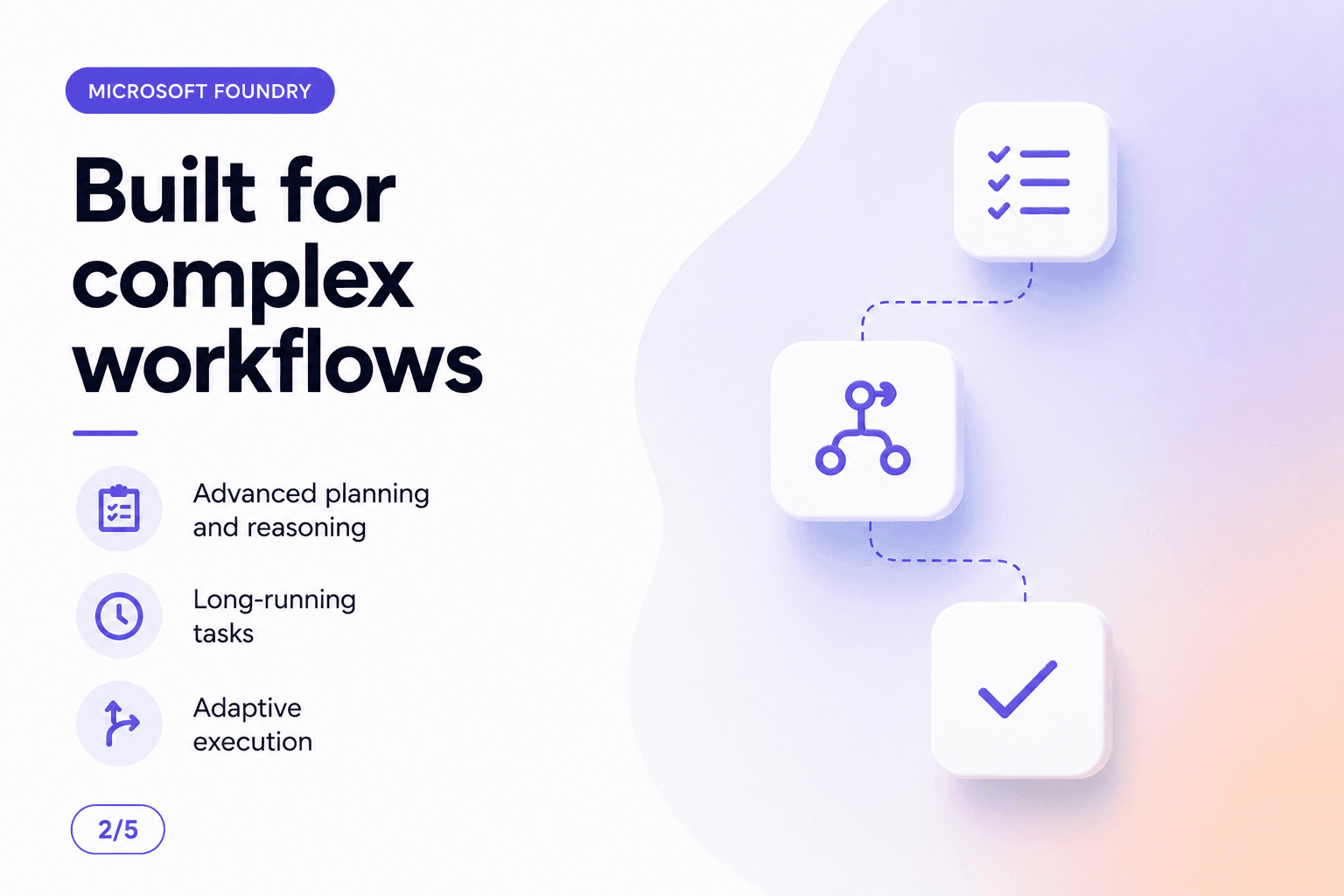
Most models are optimised for short, single-turn exchanges. Opus 5 is built for the opposite: multi-step work that unfolds over minutes or hours, where the model has to keep track of what it has already tried, what failed, and what to do next.
- Advanced planning and reasoning — Opus 5 breaks a large task into an ordered sequence of steps before acting, rather than reacting one prompt at a time.
- Long-running tasks — it sustains context and objective across extended sessions, instead of losing the thread after a few exchanges.
- Adaptive execution — when a planned step fails or an obstacle appears, it revises the plan and keeps going rather than stalling out.
Agentic AI, Natively
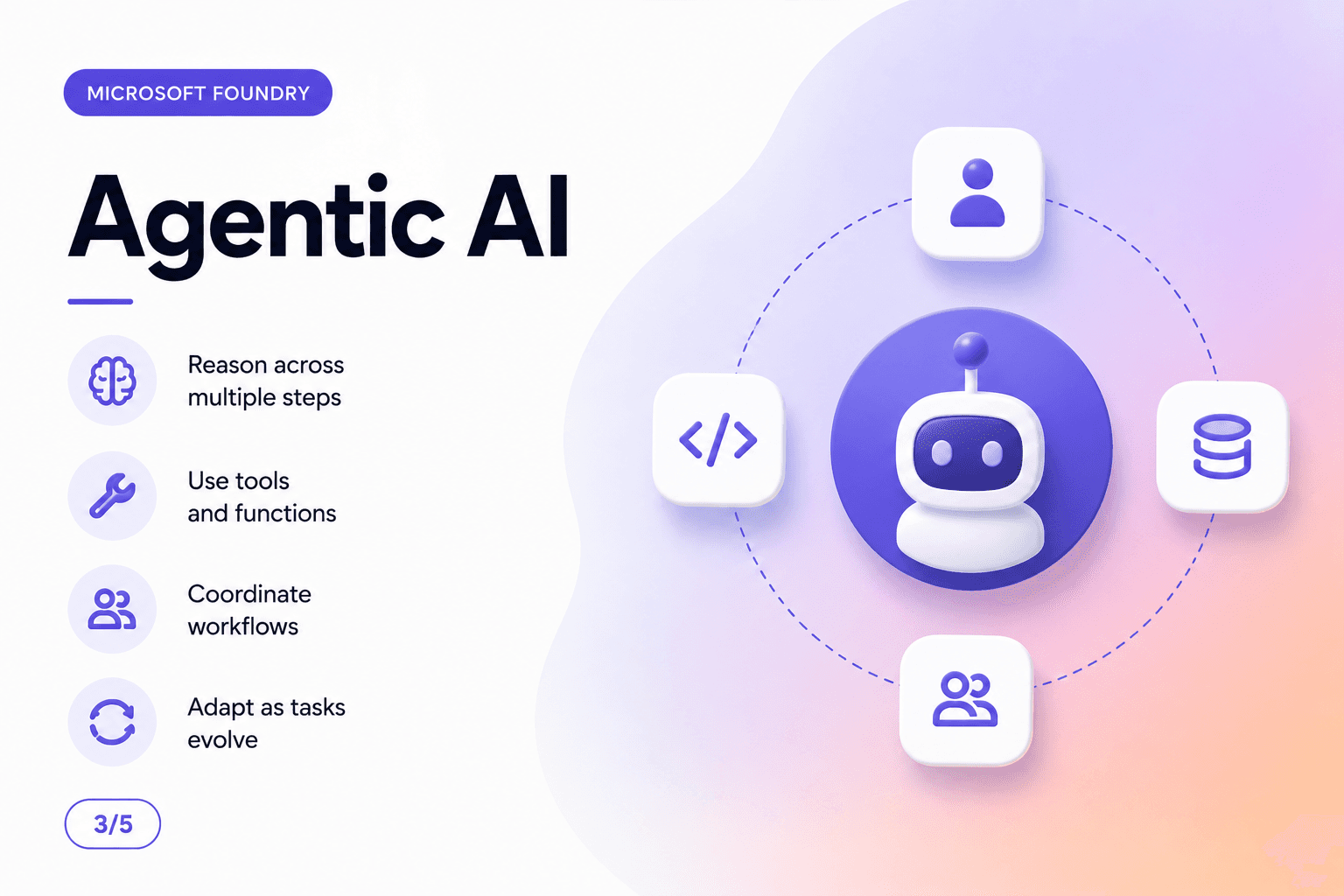
The headline capability behind Opus 5 is agentic reliability — recovering from errors, coordinating multiple tools, and reaching an objective without a human re-prompting it at every turn.
- Reason across multiple steps — Opus 5 holds a chain of intermediate decisions in context rather than treating each step in isolation.
- Use tools and functions — it calls external tools, APIs, and functions as part of executing a plan, not just as a one-off action.
- Coordinate workflows — it can orchestrate work across multiple tools and subagents to complete a larger objective.
- Adapt as tasks evolve — when requirements shift mid-task, it updates its plan instead of continuing down a now-invalid path.
Deploying Claude Opus 5 in Foundry
Claude Opus 5 deploys through the Foundry portal like any other model in the catalog: open Discover → Models, select Claude Opus 5, choose Deploy, accept the Azure Marketplace terms, and pick a region scope (Global or Data Zone, where available). You need Contributor or Owner on the resource group, and a paid Azure subscription with a supported billing region.
Calling the model
Once deployed, you call Opus 5 through the Claude Messages API using the Anthropic SDK, authenticating with either Microsoft Entra ID (keyless, via DefaultAzureCredential) or a deployment API key. The base URL follows the pattern https://<resource-name>.services.ai.azure.com/anthropic.
from anthropic import AnthropicFoundry
from azure.identity import DefaultAzureCredential, get_bearer_token_provider

baseURL = "https://<resource-name>.services.ai.azure.com/anthropic"
deploymentName = "claude-opus-5"  # the name you chose during deployment

# Keyless auth via Microsoft Entra ID
tokenProvider = get_bearer_token_provider(
    DefaultAzureCredential(), "https://ai.azure.com/.default"
)

client = AnthropicFoundry(
    azure_ad_token_provider=tokenProvider,
    base_url=baseURL
)

message = client.messages.create(
    model=deploymentName,
    messages=[
        { "role": "user", "content": "Plan and execute a 3-step migration checklist for moving a service from VMs to AKS." }
    ],
    max_tokens=2048,
    temperature=1,
    thinking={"type": "adaptive"},
    stream=False
)

print(message.content)
Prefer API key authentication for quick prototyping — swap the `azure_ad_token_provider` for `api_key=<your-key>`. In production, Entra ID is the safer default: no long-lived secret to rotate or leak, and access is governed through the same RBAC roles you already use for other Azure resources.
Want help integrating Claude Opus 5 into your Azure stack?
We help teams deploy and govern Claude models in Microsoft Foundry — from first deployment to production-grade agentic workflows.
What This Means for Developers
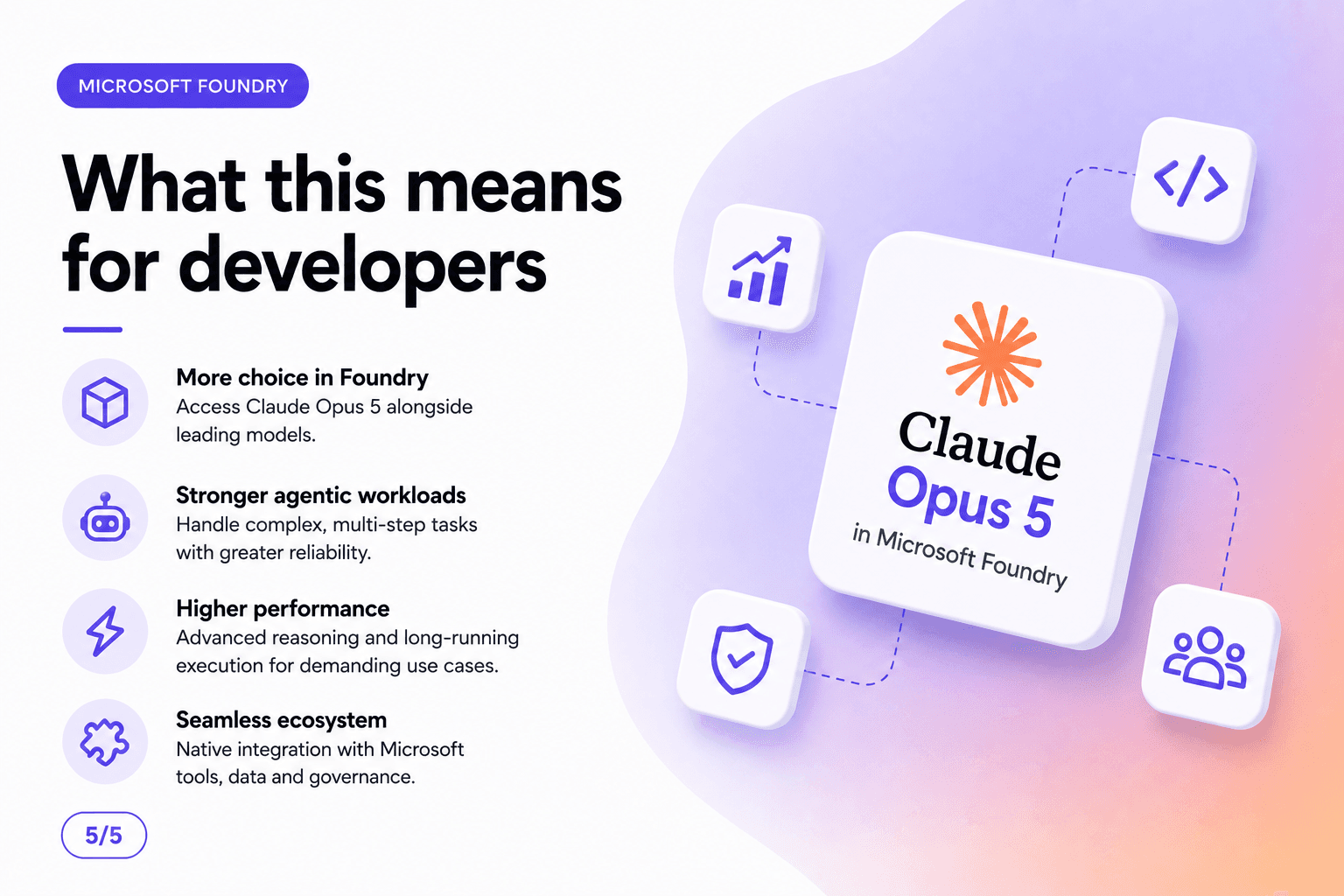
- More choice in Foundry — access Claude Opus 5 alongside other leading models in the same catalog, without standing up a separate vendor integration.
- Stronger agentic workloads — handle complex, multi-step tasks with greater reliability than lighter models allow.
- Higher performance — advanced reasoning and long-running execution for the demanding use cases that used to require a human in the loop at every step.
- Seamless ecosystem — native integration with the Microsoft tools, data, and governance your organisation already runs on.
For teams already standardised on Azure and Foundry, the practical effect is simple: the same identity, networking, monitoring, and compliance controls now extend to Anthropic's most capable model, with no new vendor relationship to manage.
Closing Thoughts
Claude Opus 5 in Microsoft Foundry is aimed squarely at the workloads that make or break an agentic AI strategy: long-running, multi-step tasks where the model has to plan, adapt, and recover without constant supervision. Combined with Foundry's governance and deployment tooling, it gives Azure-native teams a frontier reasoning model without leaving their existing security and compliance boundary.
If you are already running workloads in Foundry, deploying Opus 5 for a pilot agentic use case — a migration assistant, a multi-step data pipeline, a codebase-navigation agent — is a low-friction way to see whether the extra reasoning depth is worth the move up from lighter models.